TactHubSign inCreate account

Draw the plan right on a screenshot

Tiles, arrows, numbers and labels on top of a game screenshot. A minute later it is in your team chat. No sign-up.

or press Ctrl + V
123Attack at 20:00Rally here

Drop a screenshot on this area to start drawing. You get a JPG at the original size.

An HQ for your alliance — try it without signing up

The demos open right away: the real map editor and polls, just without saving. Accounts are free.

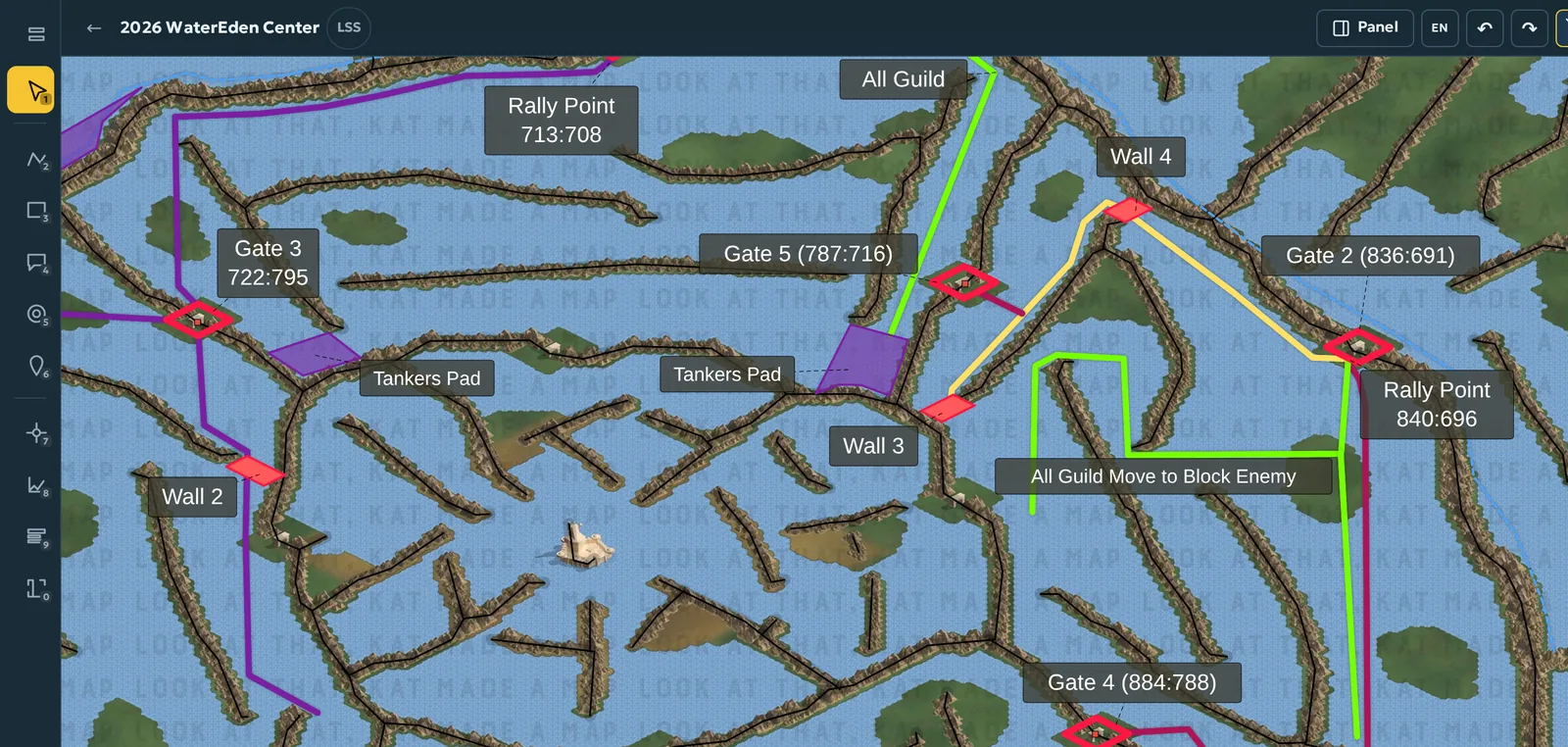
Operation map

  • Routes, zones, labels and a legend over the game map
  • For Last Shelter: Survival — game coordinates and march planning around ridges
  • The lasso traces an area along a ridge, a shore or the map edge
  • A view-only link for people without an account
Open the demo map
Map editor: guild routes, gates and labels on the WaterEden map

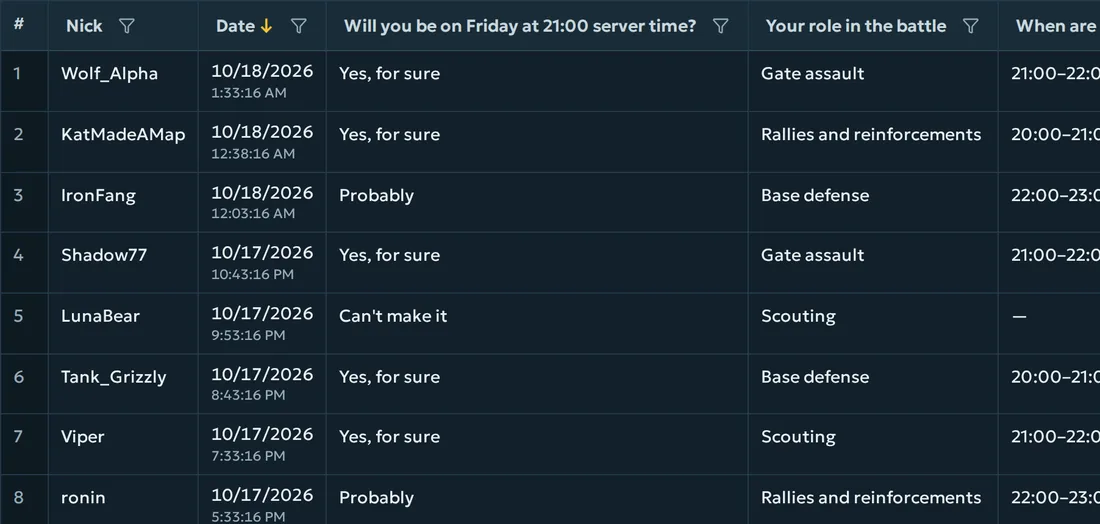
“Who’s in?” poll

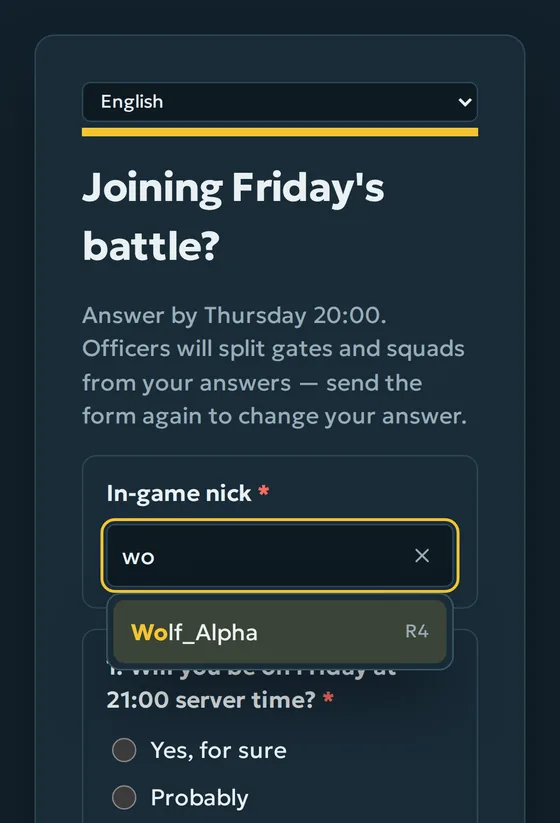
  • One link in the chat — the poll in every language you need
  • Players find themselves in the roster by the first letters of their nick
  • Answers land in a table right away: who is in, who hasn't answered yet
  • Export to CSV, Excel and Google Sheets
Open the demo poll
Answers to the poll “Joining Friday's battle?”A poll on a phone: a player looks up their nick in the roster

Shared with the whole team

Alliance, clan or guild: shared maps, officer roles, joining by invite code.

For any strategy game

Sketches and maps work with screenshots of any game. Last Shelter: Survival gets an extended mode with coordinates and calculations.